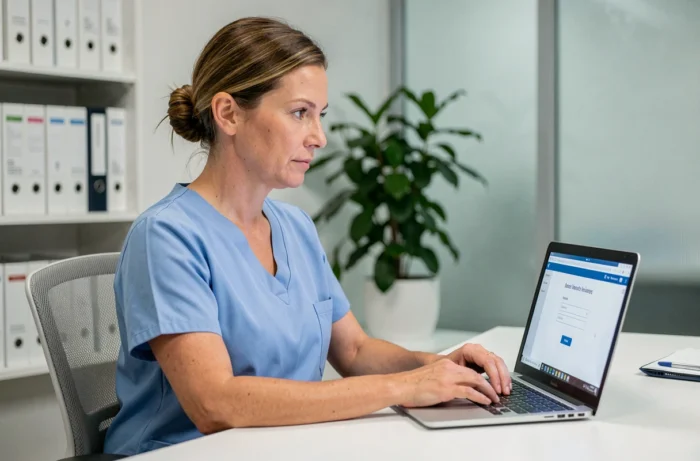
You open your browser, type in the Netsoins address, and the login page refuses to cooperate. Forgotten password, second authentication factor not found, poorly configured profile: the obstacles to accessing Netsoins are rarely related to the software itself. They almost always stem from incomplete account settings or a security procedure poorly anticipated by the institution.
Multifactor Authentication on Netsoins: the Real Bottleneck
The majority of login failures no longer come from a simple incorrect password. Since 2024-2025, the second authentication factor is the primary cause of blockage. A missed SMS, an unregistered authentication app, or a lost physical key is enough to lock access.
The usual reflex is to contact the hotline for a quick reset. DUI hotlines now refuse instant MFA resets. The procedure requires a mandatory callback and ticket verification before validation, which can extend the delay by several hours.
To avoid this situation, there is a simple precaution: register the second factor as soon as the account is created, not when it is needed. Also, ensure that your phone number is up to date in your profile. An unreported line change blocks the verification SMS without any explicit error message.
To access the Netsoins login without unpleasant surprises, preparing the MFA in advance remains the most effective measure.
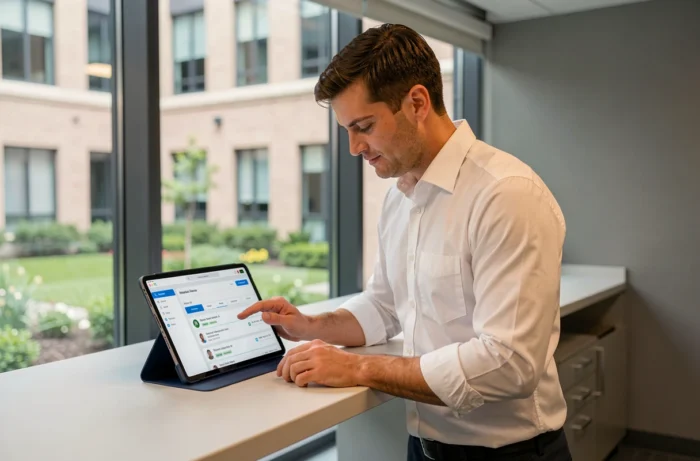
Netsoins Account Profiles: Configuring Access Rights by Role
Netsoins is a 100% web-based solution. Each professional in the institution logs in with their own credentials, but not everyone sees the same data. This is the principle of proportionality, reinforced by the CNIL doctrine of February 9, 2024.
Specifically, a nursing assistant does not need access to the same information as a coordinating physician or an administrative manager. Netsoins profiles must be configured by actual role, not for convenience. An overly broad profile exposes the institution to a risk of GDPR non-compliance.
What Each Role Should Check in Their Space
- Nurses and nursing assistants: access to care records, traceability of actions, targeted transmissions. No access to billing.
- Coordinating physician: complete medical file, prescriptions, teleconsultation module if activated.
- Administrative staff: management of admissions, billing, administrative data of the resident. No access to the medical file.
- Psychologist: follow-up notes, assessments, without visibility on medication prescriptions.
If your profile displays tabs that do not correspond to your mission, report it to the institution’s administrator. A poorly configured account is a risky account, both for data security and regulatory compliance.
Netsoins Login on Mobile and Tablet: Constraints to Know
Netsoins operates from a web browser, without the need for a dedicated application installation. On a desktop computer, the connection rarely poses technical problems. On a tablet or smartphone, a few pitfalls regularly arise.
The first: the default integrated browser on some institutional tablets does not always manage security certificates correctly. As a result, the login page displays a warning that blocks access. The solution is to use an updated browser (Chrome, Firefox) rather than the pre-installed browser.
The second pitfall concerns session management. Netsoins automatically disconnects after a period of inactivity. On a tablet shared among several caregivers during a round, this disconnection often occurs at the wrong moment. Each user must get into the habit of logging in with their own credentials, without reusing the previous colleague’s session.
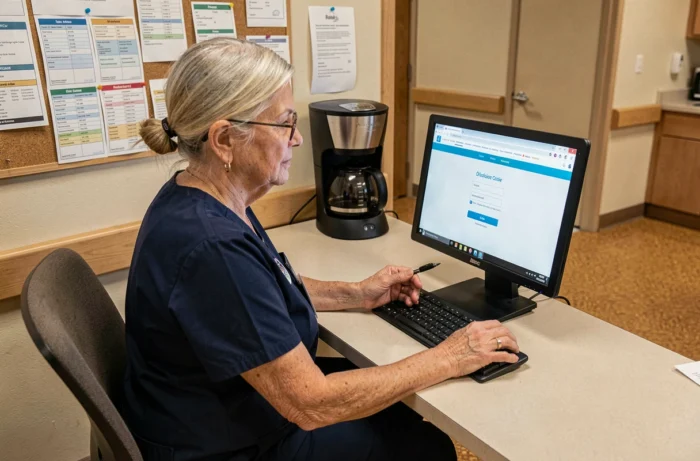
Best Practices for Mobile Access in EHPAD
Ensure that the institution’s Wi-Fi adequately covers care areas, not just offices. An unstable connection causes loading errors that teams confuse with a password issue.
If the institution uses dedicated tablets, create a shortcut to the Netsoins login page on the home screen. This simple gesture saves time at each shift change and reduces URL errors.
Account Deactivation and Employee Departure: The Forgotten Procedure
The CNIL doctrine of February 2024 mandates immediate deactivation of accounts when a professional leaves the institution. In practice, many EHPADs keep accounts active for weeks after a departure due to a lack of formalized procedure.
This is not trivial. An orphaned account remains an entry point to the computerized user file. The institution must establish a clear circuit:
- The HR department informs the Netsoins administrator of the departure as soon as the termination or contract end is signed.
- The administrator deactivates the account on the day of the actual departure, without waiting for a request from the employee.
- A quarterly review of active accounts allows for the identification of oversights.
An active account without a legitimate user is a security vulnerability. CNIL audits on DUI software in EHPADs are increasing, and this point is among the first checked.
Managing a Netsoins account does not stop at the moment of login. It begins with the creation of the profile, with a properly registered MFA and calibrated access rights. It ends on the day the employee leaves the institution, with immediate deactivation. In between, it is the rigor of the settings that determines whether the tool facilitates the teams’ work or complicates their tasks.